Join the private beta
Help us build Runline. You'll be among the first to draw Lines, time Runs, and climb the Board.
This is a test version. Things may break. That's the point — your feedback shapes what Runline becomes.
INSTALL ON ANDROID
1. Download the APK
Tap the button further below. Your browser will download a .apk file (~80 MB).
2. Allow installation
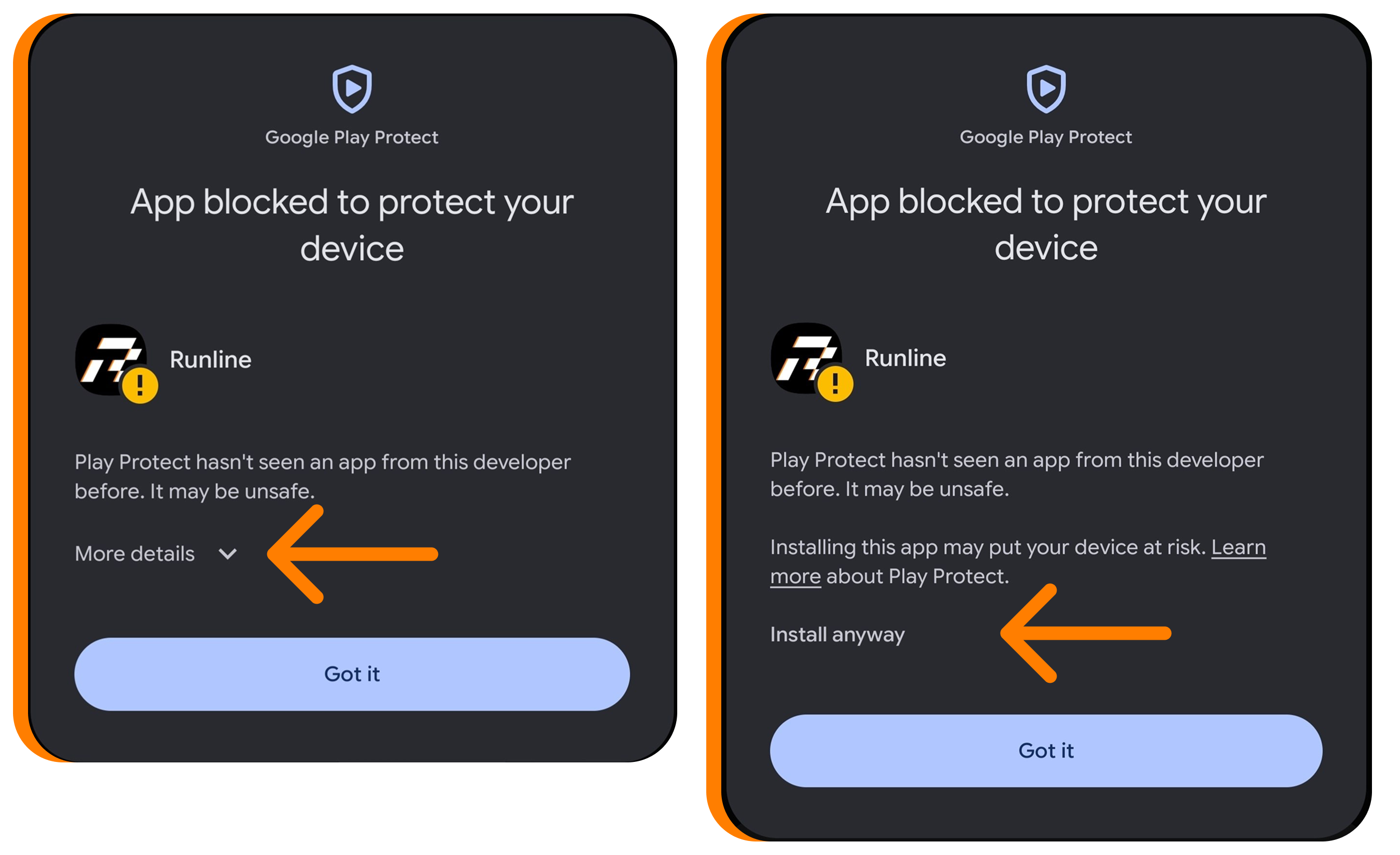
Android warns about installing from unknown sources — normal for apps outside the Play Store. Tap "Install anyway". If Play Protect says "Scan app?", tap "Install without scanning". Updating? Install over the old version — your data stays.
3. Open Runline
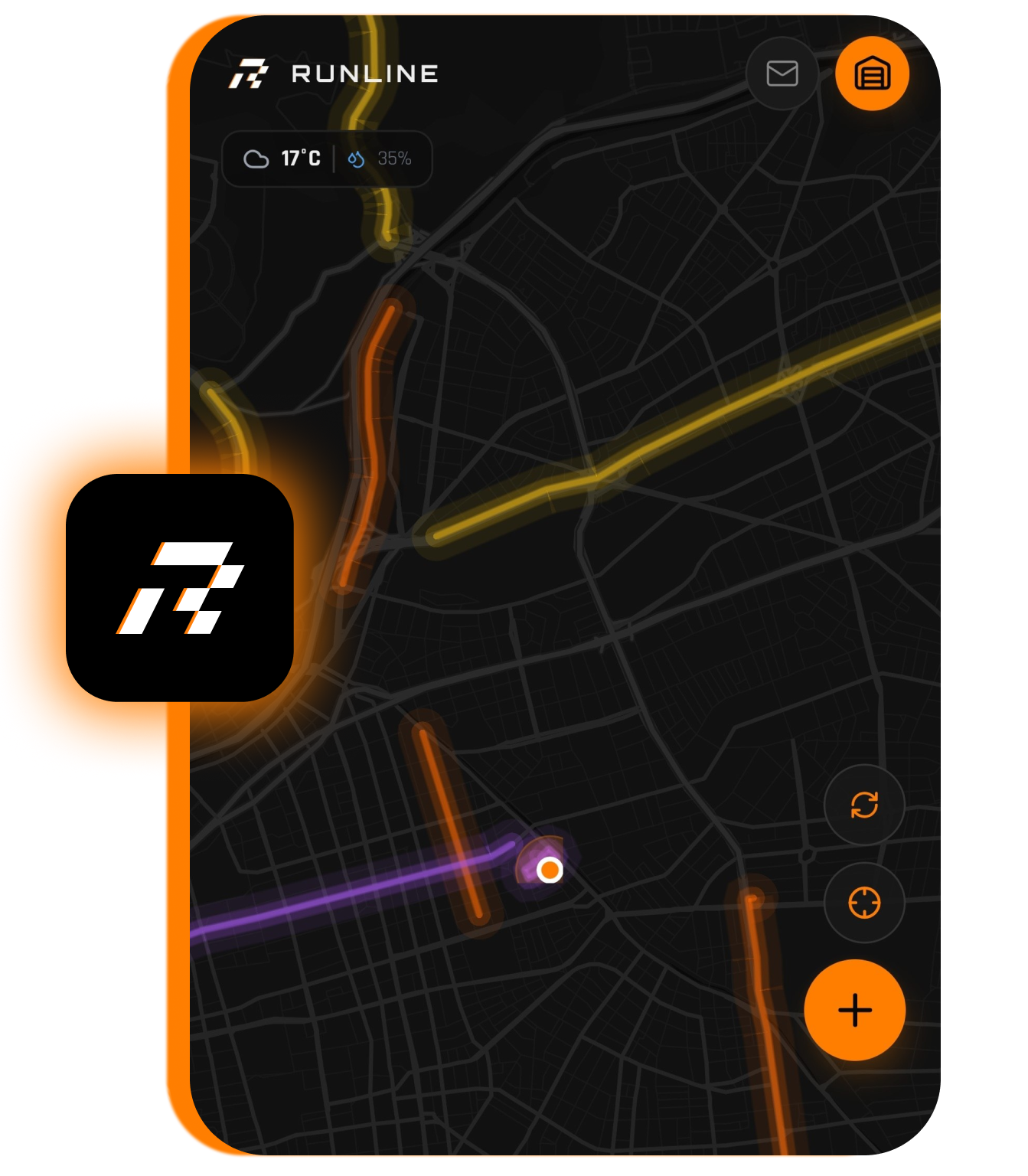
Once installed, open the app, create your account with your reserved alias, and set up your first Line.
!
DOWNLOAD APKRead the steps above before downloading. Android will block the install if you skip step 2.